Episode 44 - Hello, Computer
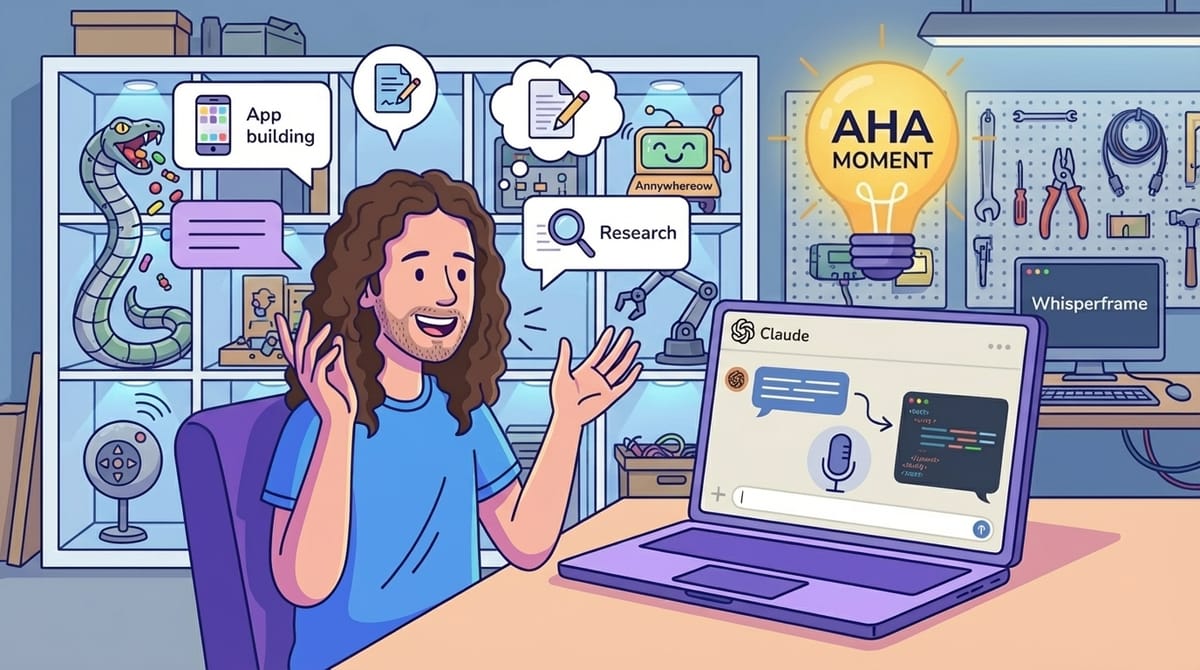
I've been talking to my computer. Like, out loud. Full conversations. I use the dictation feature on my MacBook to tell Claude what I want instead of typing it, and I can't believe it took me this long to figure this out.
Prologue
I've been talking to my computer. Like, out loud. Full conversations. I use the dictation feature on my MacBook to tell Claude what I want instead of typing it, and I can't believe it took me this long to figure this out.
I've been talking to my computer like out loud full conversations as the dictation feature on my MacBook to tell Claude what I want instead of typing it and I can't believe it took me this long to figure it out
Talkologue
I used to believe that talking to my computer, be it Siri or Alexa, was something that the younger generations did. My experience with those tools is not very good. The number of times I have tried to get Alexa to play a song for me, only for her to simply not understand and play some other song, is… uncountable. I have given up.
But Claude, my favorite AI (for now), is different.
For one, I can make lots of grammar and spelling mistakes (See episode 43, where I couldn’t even spell "satellite"), and it still understands what I mean.
For two, I process information better by talking it out, so I have found that actually talking to Claude is very efficient—not only to get the AI to do what I want, but also to do it quickly so I can move on to a different task.
For three, I often try to give Claude enough to work with so I can send it off, and then I test the application, write up some notes, or pick up another task I haven’t yet given to Claude.
The Aha Moment
For me, realizing that talking to Claude would make my life better came when I was building an app (via Claude Code), writing a proposal with Claude Desktop, and waiting for a research task to return from ChatGPT deep research… all while brainstorming another app. That’s when I realized I was mumbling to myself.
So, I Googled (hey, old habits die hard) how to dictate text to my computer and found that it is built into macOS (double-tap Control, or press the dedicated microphone button if you have one). Before I knew it, I was chatting away at a new Claude Code instance about this new app… switching between Claude Desktop and Claude Code so fast I forgot which one I’d just asked to do what.
Editor's note: I figured I'd better try this on my PC as well, so I took Christopher's lead and googled, and found there is a built-in speech-to-text in Windows as well—just press Win + H. - Holly
When not to

Since then, I often talk out loud to Claude (in various forms) in my office. I normally have 2 or 3 versions going at the same time, helping me with various tasks. I’ve found a few interesting things:
- People around you think you are a crazy person for talking to the computer.
- Grammar, misunderstood words, run-on thoughts… none of it matters. Most of the time, Claude fully understands what I meant.
- Correcting it is easier b/c I can just say “No, I meant that I wanted two blue columns, not three, like on each side of the center content area” and press send.
- I can give it unfiltered, immediate feedback; I don’t need to think about how I craft my response.
- If I need to be very precise, it is better to type. Giving code examples or screenshots are better done via a keyboard than via voice.
- Rambling is fine, but have a clear ask at the end: “build this…” or “how would that be architected” especially if your request is more than 5-10 seconds long.
So, this week, try talking to your favorite AI tool. Start with something easy like: why do you beat sugar and butter together first in many baking recipes?
(or check out my new favorite YouTube channel for the answer to that!)

Weekend Project: Building a GIS Apparel Brand with Claude as CEO
Ever wonder what happens when you give an AI full autonomy over a business? I'm finding out in real-time.
Recently, Claude and I launched Null Island Co: GIS-themed shirts for people who know where 0°, 0° is. Claude makes every strategic decision (pricing, design direction, marketing strategy), I execute the technical work (n8n workflows, Boxy SVG, Etsy setup).
(I'll write up the experience at some point. Spoiler: Claude is a demanding but effective boss.)
Newsologue
- OpenAI released its new image generation model, a true multi-mode model (meaning it natively understands both text and images as input and output). It looks great, but so far, for my testing, Nano Banana Pro is better. This feels like OpenAI just catching up, not rolling past.
- This week I learned that Claude Desktop can load an MCP server directly from a DLL. 🤯 That is incredibly powerful for my Windows friends. Turns out this is due to “Binary MCP Server” support. We are using this for an internal project right now. More on that soon!
- NOAA released a set of new AI powered forecast tools that consume less power and generate better and longer term results. It will be interesting to see what else these can be integrated into. Could this mean that things like live sporting events could get new forecasts every few minutes about that approaching storm?
Epilogue
I wrote this post. It came down to the wire much more than normal; I'm still writing on Thursday night. I brainstormed with Claude about what would make it more interesting after writing my first draft. To be the most meta about it, I did that with voice.
Holly edited as usual, once Claude had its say.