
Prologue
This week was the 2026 GIS in Action conference in Portland, OR. This is my local mapping conference and it's always fun to spend a couple of days with folks from the area, swapping GIS stories.
Last year, I did the closing keynote, and it was a blast! This year, I followed that up with two workshops and a lightning-fast “Vibe Coding” demo where we built an app live in 30 minutes.
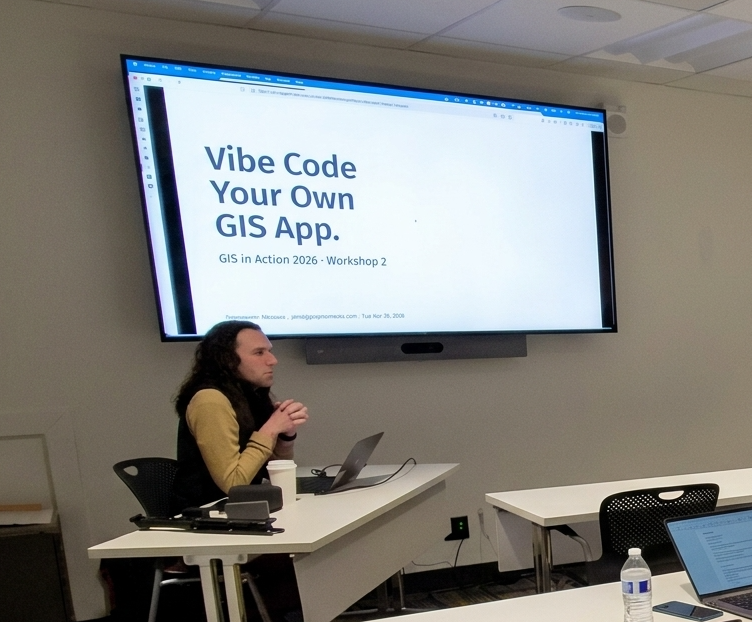
One of the workshops I did was AI for Your Day-to-Day GIS Work where we talked about how to use chatbots as GIS tools. In particular, we spent some time looking at the AI Assistants that are built into ArcGIS. So, for this week’s newsletter, I figured I could hit some highlights from that workshop and give a quick overview of my favorite assistants.
EsriAgentOlogue
Each AI Assistant in ArcGIS is a standalone system, typically designed to help you navigate a single application or solution. This can feel frustrating when the tools are so dispersed, but it is also positive, as there are many ways to see how AI-powered tools can interact with your day-to-day work. You can find the one(s) that works for you.
Start with the Arcade Assistant
This assistant is one of the most prevalent, as it appears almost everywhere you can write arcade: pop-ups, field calcs, symbology, etc. The number one use case here is: Better Popups. HTML popups can transform your app from a set of points on a map to an immersive experience (okay, maybe not that much, but it helps a lot!). HTML popups are hard to write. You have strings in quoted strings, and it gets messy fast, but the AI tool is really good at creating very nice-looking popups, very quickly. There really is no longer an excuse to make popups with lists of attributes!
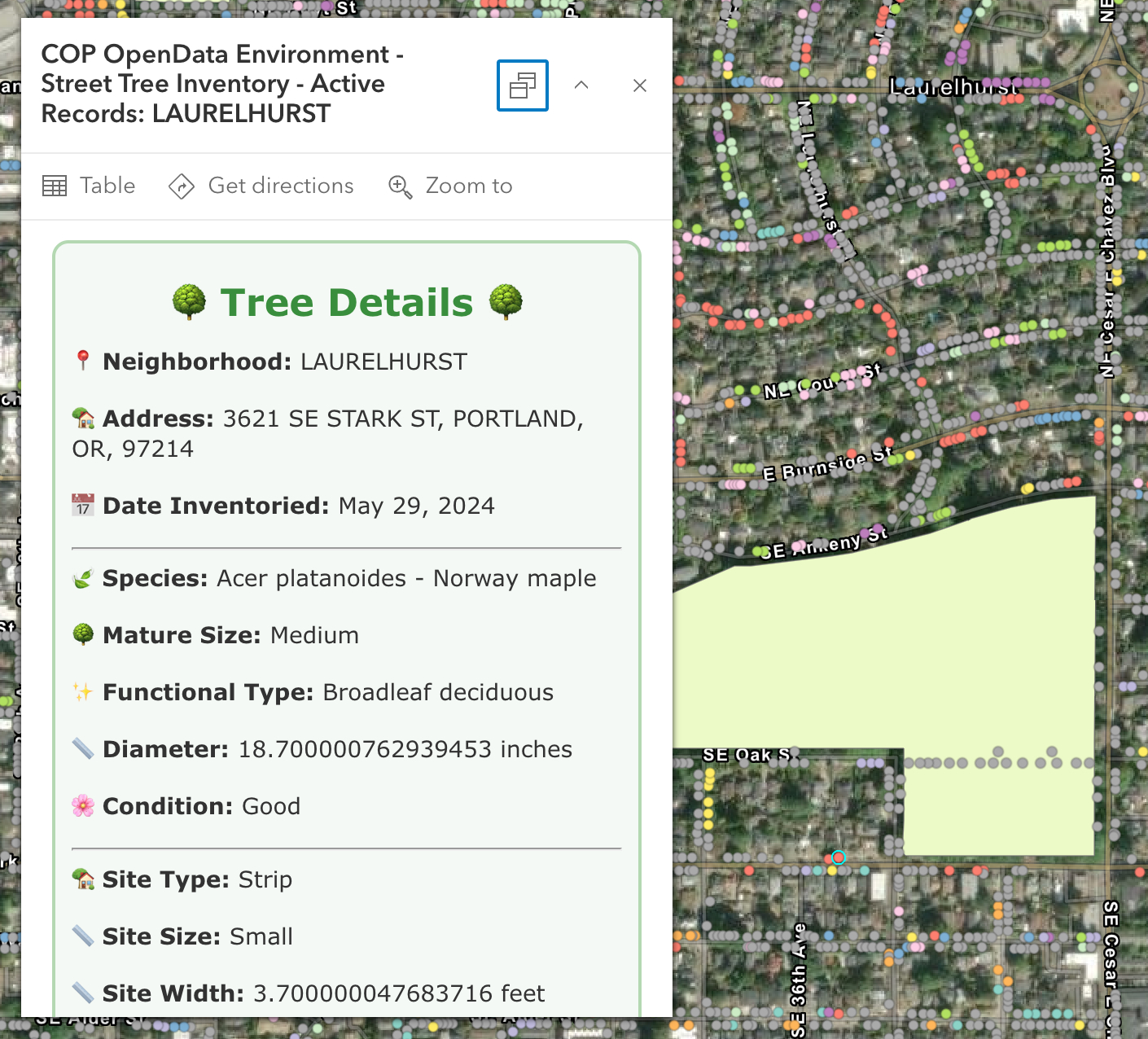
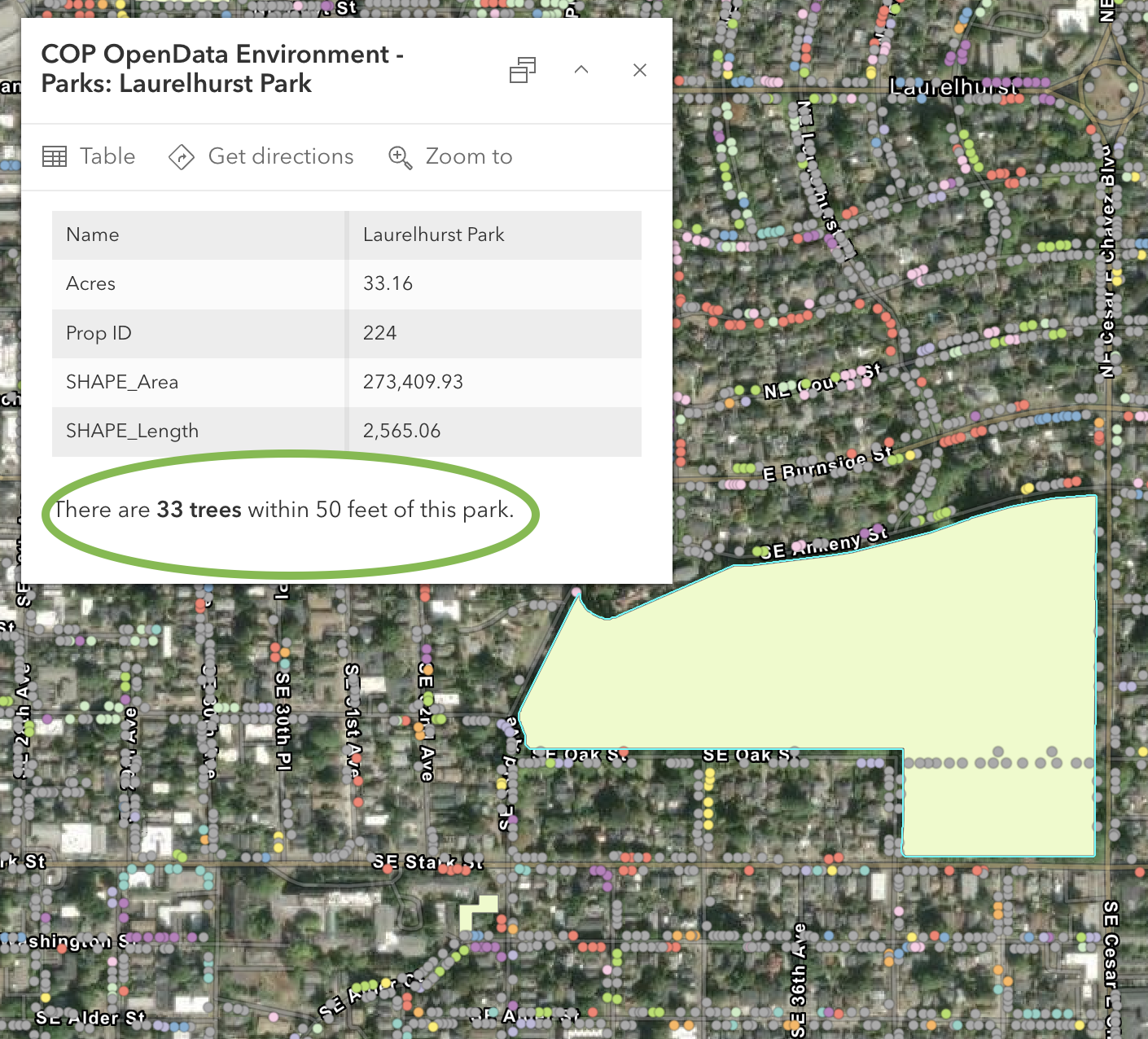
In Monday's workshop, I clicked a Portland park polygon and asked it to count the trees within 50 feet; it nailed the buffer → intersect → count workflow on almost the first try. The code was correct, but it incorrectly identified the Tree layer name. This happens because the AI generating the code doesn’t know about the other layers, yet.
Two things to know:
- It is scoped to the layer you’re on, so it doesn’t know about other layers in the map.
- I always press Run immediately so that I know whether it runs or fails before going back to the map.
My Favorite: Survey123 Photo-to-Fields
This is my favorite right now. As a form designer, you can use a prompt with an AI against a photo field, like “this is a street sign, determine the type, include the road name if visible." When the field tech takes a picture, the AI pre-fills the rest of the form. The human can still review the information before submitting it. This can save a ton of typing in the field and has pretty fast response times.
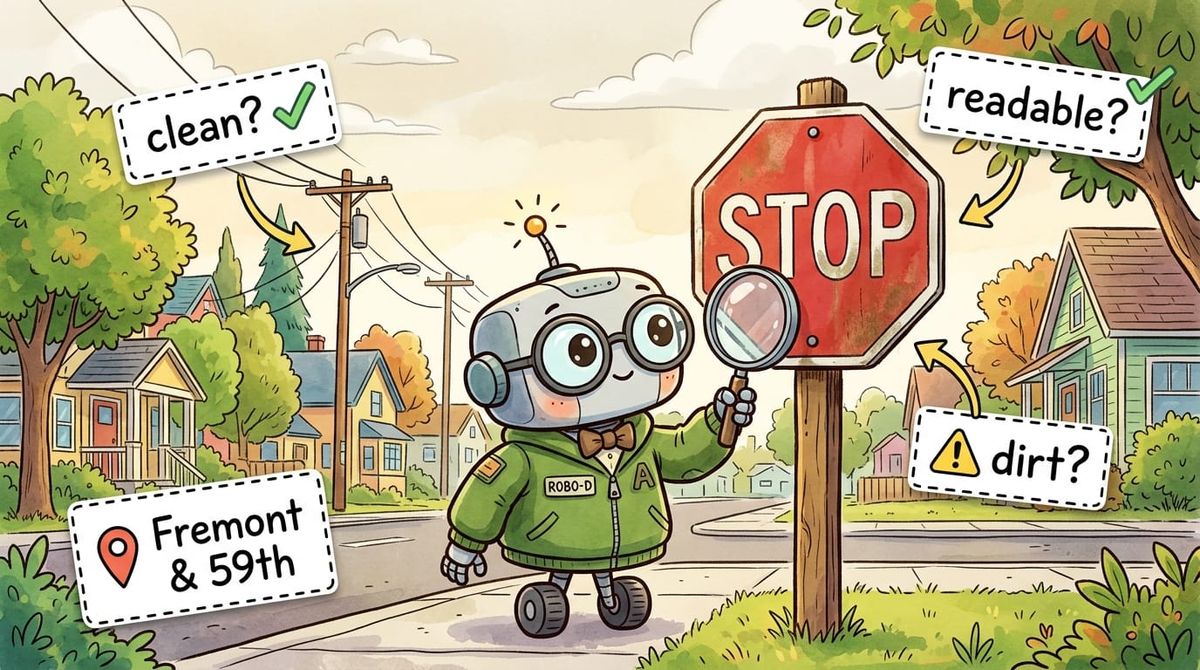
I built a sign survey to demo it and walked my neighborhood. I took a picture of a stop sign at NE Fremont and 59th and got back: "Stop sign at Northeast Fremont Street in Northeast 59th. Excellent, no visual damage, clean, fully readable." That took about 5 seconds to populate. Eagle-Eyed readers among you will notice in the image below that the stop sign does indeed have some dirt or markings on it. But have no fear, we can fix that!
Way back in Episode 13 I talked about running an AI multiple times and averaging the output. While you can’t exactly do that here, you can use a second model to QC the first!
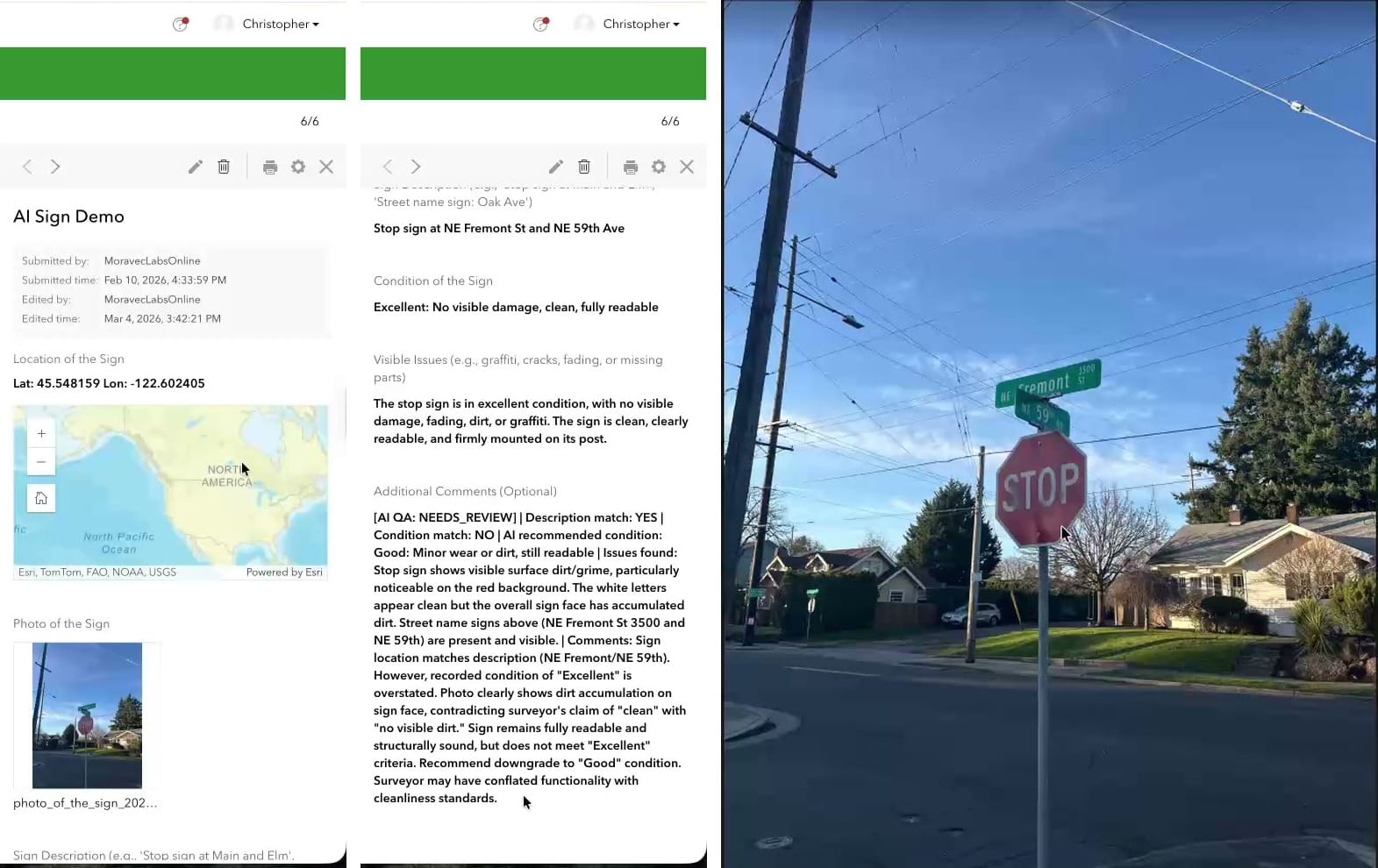
Using a Webhook, we can run a workflow in something like n8n or Zapier that uses a second AI to double-check the first one. If both AIs and the human doing the collection all agree, you might not need a QC pass. If any disagree, flag for additional review. This can really help reduce the size of the QC.
Several More, briefly
- Pro Assistant — does plain-English-to-ArcPy now (used to be just SQL). Great for context support, but I still use Claude to write full Python scripts (it knows ArcPy really well).
- Notebooks Assistant — If you have access to other code generation tools like Claude Code, Codex, or GitHub CoPilot, I would skip this one. It is great though if you don’t have access to those tools yet, and also good at explaining cells in a larger notebook.
- Item Details Assistant — 0% to 100% metadata in about twenty seconds. It is a great start, but please, please, please Don’t Be a Secret Cyborg and edit the text to be correct!
- Story Maps Assistant — The best part is the alt-text generation, but remember it needs to fully describe the image, so you might need to add on a bit to make it complete.
- Hub Assistant — This one is designed for use by the public. You do have to have Hub premium, and users need to create [community] accounts before they can use it. It is great for data discovery, but is different from having a fully open chatbot on your website.
- Documentation Assistant — This is a helpful bot trained on the ArcGIS docs. Excellent for Pro, Enterprise and ArcPy questions, noticeably weaker on the JavaScript SDK. It will give you reference links though, so you can go and read the documentation yourself. I do find that Claude is also natively good at doing this kind of work (and can be tailored to your environment with a little bit of extra prompting).
Turning These Things On
Blessedly, these are some of the few AI tools in the world that are opt-in. So that means you need to turn them on. For now, they are free to use, but you might want to check your organization’s AI policy before enabling them.
The two settings to change:
- Organization → Settings → AI assistants → Allow use of AI assistants: ON.
- Settings → Security → "Block Esri apps and capabilities while they are in beta": OFF.
A few of the assistants require additional steps: the Pro assistant requires you to be enrolled in the beta program, and others, like Survey123, have additional settings to toggle on.
You can also restrict access to these tools by creating a custom Role and assigning it to users who will use or test the assistants.
I highly recommend checking out these tools. Esri also has a learning plan, if you are into that sort of thing. Mostly, I think the secret is: Use Them, and know what context to give them (see the Epilogue).
One way to get started? Try out the tools with a workflow you do every week, so you can start to learn when to trust the AI tools.
Newsologue
(Written by Jaws)
- OpenAI released GPT-5.5 on April 23 — their new top model, with notable gains on agentic coding. I’m still using Claude primarily right now, but OpenAI is hot on their heels.
- NVIDIA released Nemotron 3 Nano Omni on April 28 — an open multimodal model that unifies vision, audio, and language for AI agents, and runs on 25GB of RAM. Open + multimodal + small enough to self-host is a combination I hope we see more of.
- Google launched AI research agents on Gemini 3.1 Pro on April 22 — agents that go browse the web and bring back synthesized answers. The discovery-then-summarize pattern is the bones of every "AI for data discovery" use case, and I think we will see more of this in the GIS space soon, like find data, put it on a map, do some basic analysis, and present it for review.
Epilogue
Thank you so much to the folks who showed up to my workshops on Monday and Tuesday; it was a pleasure working with you all. If you couldn’t make it, this newsletter is a short version of what we did on Monday.
The biggest takeaway from the workshop was: Context is King. Claude (or any AI, really) can be really helpful writing Arcade expressions, but the more you give it, the more you get out. If you want examples, just ask. But if you want code that is likely to run, provide the layer names, field names, data types, and field aliases. That will give it enough to understand the data you want to manipulate.
I think the number one issue I see when people struggle to use AI is not giving the AI enough context. You need to provide enough information to generate the code you need or to do the research you're looking for.
Jaws drafted this by extracting the transcript from my recording of the workshop (sorry, it wasn’t good enough to release). Then I rewrote it, and Holly edited.